



REMPO makes it easy to manage your Git ecosystem with powerful scanning, real-time updates, and AI insights.
Automatically discover all Git repositories across your system with our global scanning feature.
View repository status, commit history, and changes at a glance with a beautiful, intuitive interface.
Execute Git operations directly from the terminal with smart caching and optimized performance.
Get AI-powered summaries and insights about your repositories with lazy loading for optimal speed.
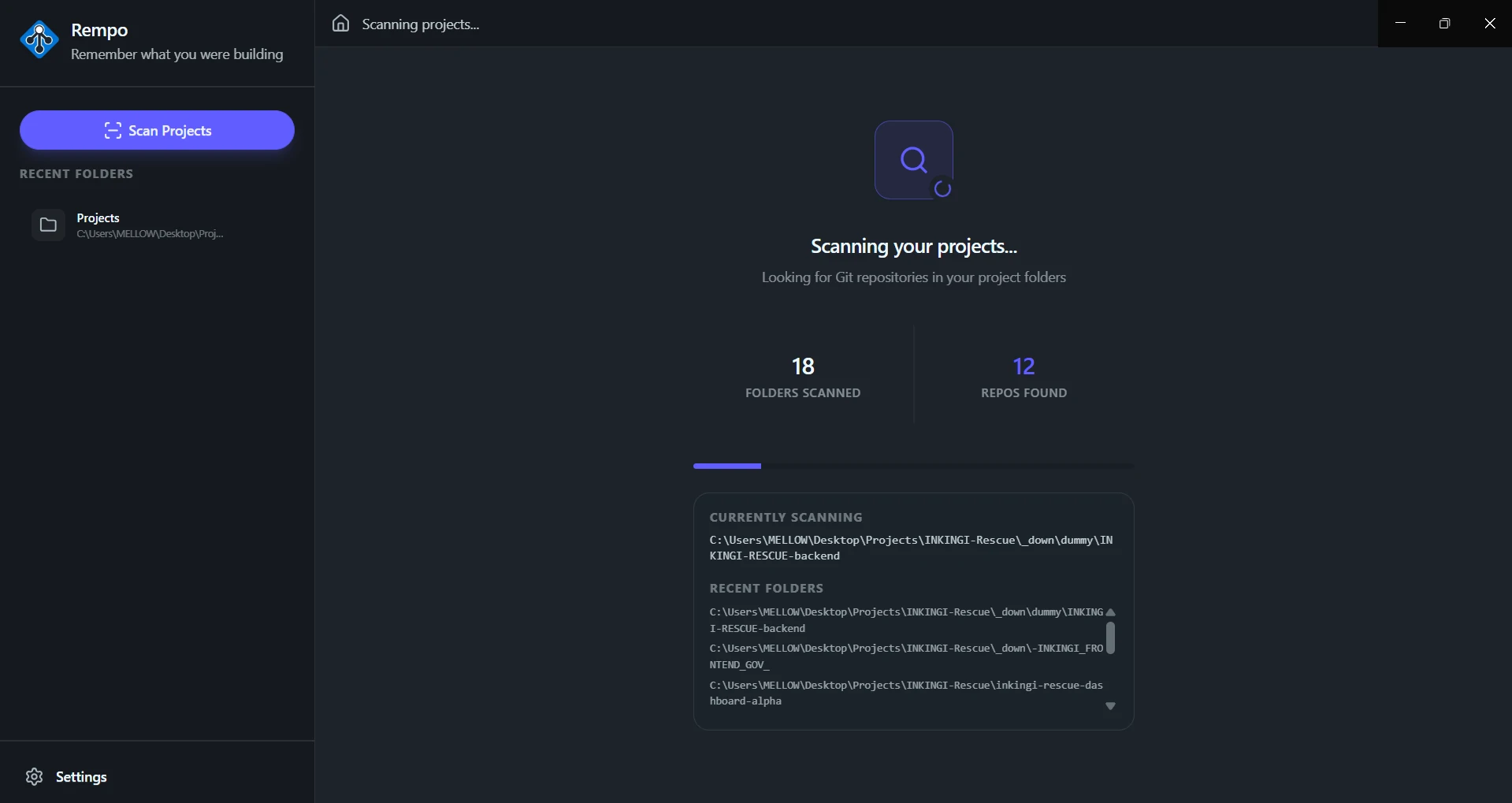
Showcase
Take a look at how Rempo addresses your (probably) most frustrating task.
Monitor the status of all your repositories in real-time with instant updates and alerts.
Experience lightning-fast performance with our intelligent caching mechanism that optimizes data retrieval.
Get intelligent summaries of commits, changes, and repository activity powered by advanced AI.
REMPO combines powerful repository management and AI intelligence.
Choose from 9 stunning themes that make managing your repositories a pleasure.
Boost your productivity with powerful keyboard shortcuts including Ctrl+K for instant terminal access.
Minimize to tray, launch at startup, and seamlessly integrate REMPO into your workflow.
Developers worldwide are using REMPO to manage their Git repositories with ease. Take control of your projects today with our beautiful, intelligent dashboard.
Automatically scan and discover all your Git repositories in seconds.
Experience one of 9 beautiful themes that make managing repos enjoyable.
Get intelligent summaries and insights about your repositories instantly.
REMPO brings together all the tools you need:
Global scanning discovers all your repositories
Real-time status updates and commit tracking
Built-in terminal with keyboard shortcuts (Ctrl+K)
"I normally have a folder I named 'projects' and I stack in personal and other projects all in that folder. The issue is that whenever I spend time on another project, I normally forget what I've been working on recent projects, hence the idea of creating this solution"
— David NDIZEYE, Rempo's Creator
Find quick answers to common questions about our services and features.
Can't find the answer you're looking for ?
Reach out to our friendly support team we're here to help.